
Schema markup generator
Fill in a short form and get ready-to-paste JSON-LD for your business, articles, products, FAQs or breadcrumbs — checked against what Google looks for.
About schema markup
A small block of code that describes your page in a language search engines understand — “this is a business, here is its address and opening hours”, or “this is a product, it costs £49 and it’s in stock”. Google uses it for rich results like star ratings, prices and breadcrumbs, and AI search tools use it to understand who you are.
The ones most businesses need:
- Local business — name, address, phone, opening hours
- Organisation — your brand, logo and social profiles (homepage)
- Article — blog posts and news, with author and dates
- Product — price, availability, brand and ratings
- FAQ — questions and answers
- Breadcrumbs — where a page sits in your site
Paste it into the HTML of the page it describes — in the <head> or anywhere in the <body>. Most platforms (WordPress, Shopify and others) have a place for custom code or a plugin for it. Then test the page in Google’s Rich Results Test.
No. It makes your page eligible, but Google decides what to show. The markup must also match what visitors can see on the page — marking up reviews or prices that aren’t shown breaks Google’s guidelines.
No. The generator runs entirely in your browser; nothing you enter leaves your computer.
More free tools
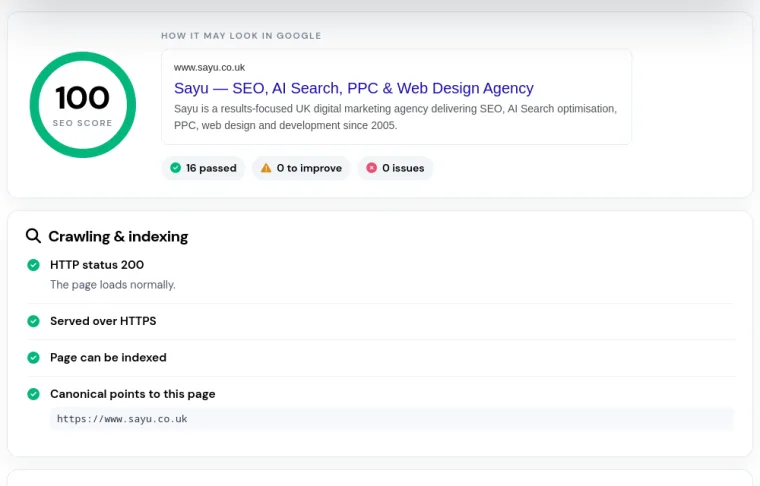
SEO page checker
Titles, meta descriptions, headings, alt text, structured data and speed for any page, scored in seconds.
Use the tool New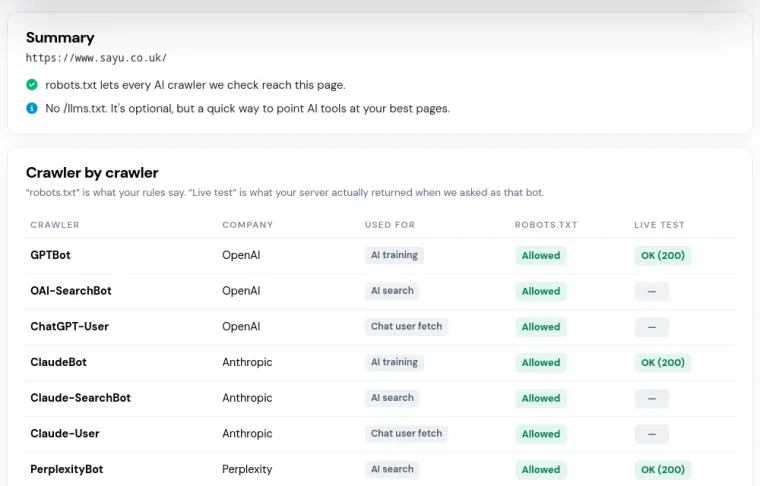
AI crawler checker
Can ChatGPT, Claude, Perplexity and Google’s AI reach your pages? Checks robots.txt, your server and llms.txt.
Use the tool New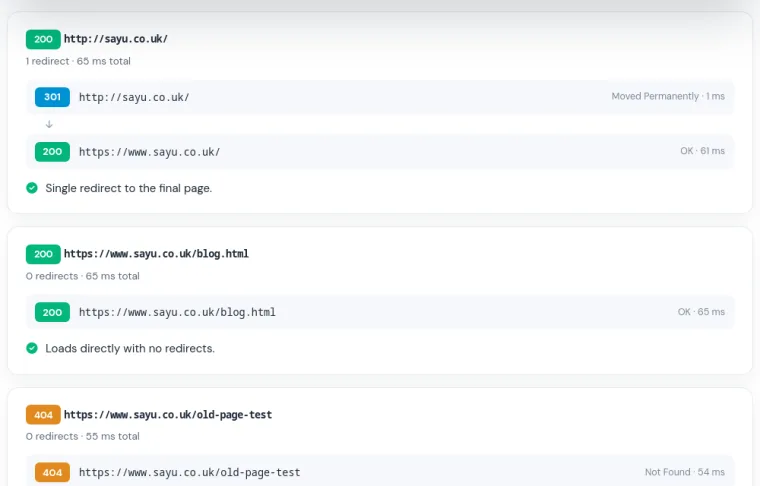
HTTP status checker
Status codes and the full redirect chain for up to 10 URLs, with redirect problems flagged.
Use the tool New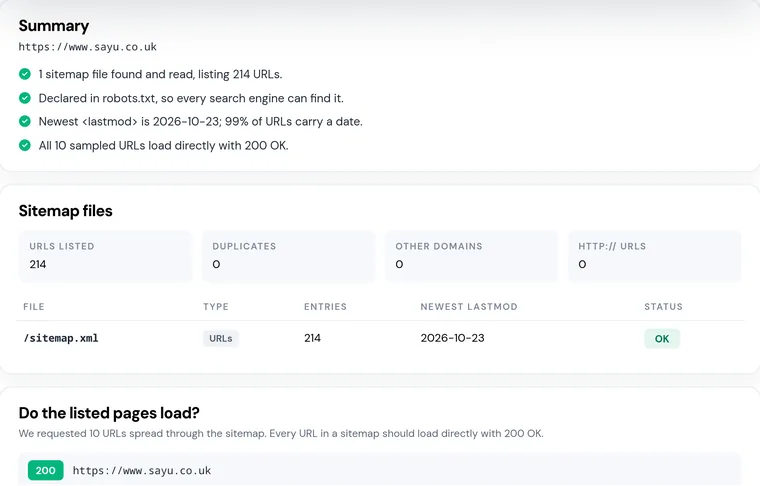
Sitemap checker
Find your XML sitemaps, check they load and count the URLs — then test whether the pages listed really work.
Use the tool New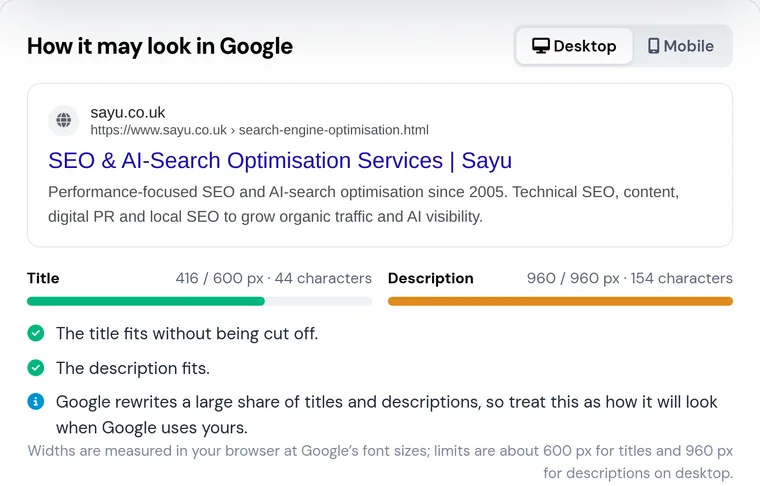
SERP snippet preview
See how your title and description look in Google, measured in pixels — with exactly where they get cut off.
Use the tool